The Role of All-in-One Office Printers
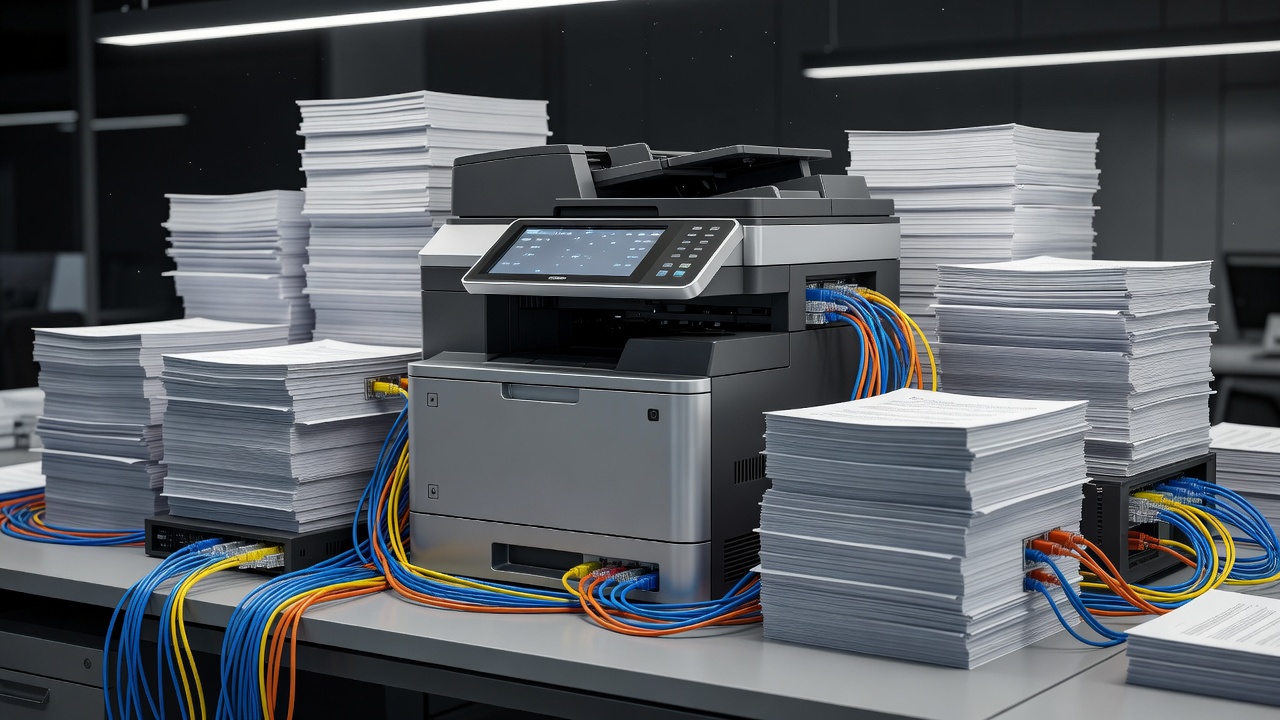
The contemporary workspace, whether a localized home office or a distributed corporate environment, places a premium on spatial efficiency and workflow integration. The Multifunction Printer (MFP), commonly referred to as the All-in-One (AIO) printer, has evolved from a compromised hybrid device into the central node of physical-to-digital document management. By consolidating printing, scanning, copying, and occasionally faxing capabilities into a single chassis, AIO devices fundamentally alter how organizations handle data transition.
Consolidation of Hardware Footprints
Historically, an office required discrete hardware for distinct tasks: a standalone printer, a dedicated flatbed scanner, and a specialized photocopier. This approach not only consumed massive amounts of square footage but also multiplied power consumption, maintenance contracts, and IT administration overhead. The AIO printer resolves this spatial inefficiency.
Modern engineering allows a high-resolution scanning array to be nested directly above the printing engine without interfering with paper paths. This vertical integration means that an AIO unit capable of executing enterprise-grade tasks requires barely more desk space than a traditional single-function printer. For micro-businesses and remote workers, this spatial economy is not merely a convenience but a structural necessity.
Scanning and Digitization Capabilities
While printing remains a primary function, the true utility of a modern AIO lies in its digitization capabilities. The transition toward paperless workflows demands robust ingest mechanisms. Most business-class AIOs feature an Automatic Document Feeder (ADF), a mechanical tray that can sequentially pull multiple pages across the scanning glass. Advanced models implement dual-pass or single-pass duplex scanning, capturing both sides of a document simultaneously, vastly reducing the time required to digitize large contracts or architectural plans.
Furthermore, optical character recognition (OCR) software is frequently embedded within the device's firmware or its accompanying driver suite. This allows the AIO to instantly convert physical paper into searchable, indexable PDF documents, routing them directly to cloud storage solutions, network-attached storage (NAS), or encrypted email servers without routing through a host computer first.
Network Integration and Security Protocols
An AIO printer acts as a standalone networked computer, making it a critical asset—and a potential vulnerability—within an organization's IT infrastructure. Consequently, networking architecture in modern multifunction devices is highly advanced. Wi-Fi Direct, Gigabit Ethernet, and secure cloud printing protocols allow users to interface with the hardware seamlessly from mobile devices and remote locations.
With this connectivity comes the absolute necessity for stringent security. Because AIOs process highly sensitive data (payroll, legal documents, proprietary schematics), they require robust defense mechanisms. Enterprise AIOs employ hard drive encryption, secure boot protocols to prevent firmware tampering, and "pull printing" systems. In a pull printing setup, a print job is held securely in the server or device memory until the user physically authenticates at the machine using a PIN or RFID badge, ensuring sensitive documents are not left unattended in the output tray.
The Economics of Multifunction Devices
Analyzing the economic viability of an AIO involves looking beyond the initial purchase price. The consolidation of hardware means consolidating consumables. Instead of purchasing separate maintenance kits for a copier and a printer, an organization maintains a single inventory. However, this consolidation also introduces a single point of failure; if the printing engine requires service, the scanning and copying functions may be temporarily inaccessible depending on the diagnostic state of the machine.
Procurement teams must carefully assess duty cycles when selecting an AIO. A consumer-grade AIO, designed for occasional household use, will suffer rapid mechanical failure if tasked with scanning hundreds of pages daily in a legal office. Selecting a unit with an ADF rated for heavy daily use, alongside high-yield ink or toner options, ensures that the device functions as an asset rather than a recurrent maintenance liability.
Conclusion
The All-in-One printer represents the bridge between the enduring necessity of physical documents and the undeniable efficiency of digital archives. By acting as the intake and output valve for data, these machines dictate the speed and security of modern office workflows. Careful selection, prioritizing scanning volume, network security, and spatial requirements, is essential for implementing a successful document management strategy.